
WhatsApp online tracker
See online/offline status signals in timelines and heatmaps.
Track WhatsApp online status, instant alerts, last-seen routines, night activity and weekly reports in one privacy-first family safety app. No secret surveillance, no message reading, no content capture.
Before downloading, families usually want to know four things: who appeared online, how long it lasted, whether night routines changed, and what the weekly activity report says.
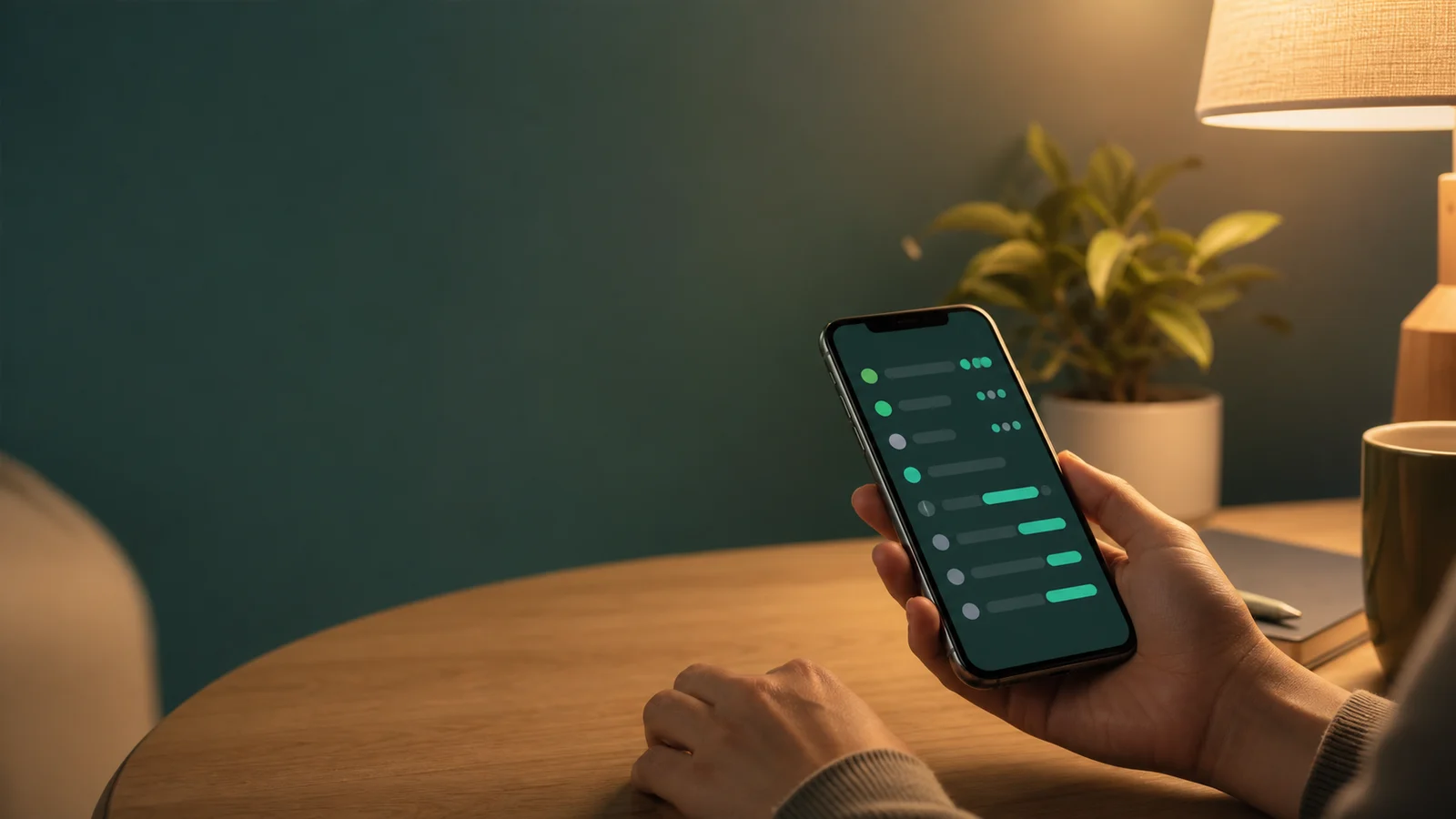
See online/offline status signals in timelines and heatmaps.
Use calm smart alerts for first online, long sessions and night activity.
Read weekly routine changes instead of reacting to isolated events.
Use measured family-safety visibility without collecting private messages.
As the app collects approved presence signals, Lumio assembles them into dashboards, warnings, reports and support-ready operational state.
Lumio is built around approved online and offline presence events only. It helps you notice patterns, start better conversations, and keep private content private.
Online and offline timestamps only. No message body, attachments, contact list, camera, or microphone access.
Cooldowns, digest mode, priority and quiet hours suppress noisy notifications overnight.
Routine changes, unusual night activity and silent periods are summarized without turning every moment into an alarm.
Flutter opens with one bootstrap call, then shows consent, pairing, paywall, reports, safe-mode and command progress from the same contract.
The app receives user, consent, session health, plan limits, warnings and unread inbox count in one response.
Pairing and target changes return request IDs, progress status and retry-safe timing for Flutter.
Free, Starter, Pro and Family states lock advanced reports, insights and compare screens consistently.
Weekday/weekend active windows, sleep estimates and silent-period analysis.
Two-target and group overlap clusters for Pro and Family plans.
Mobile-ready PDF, CSV and JSON downloads with expiry metadata.
Unread count, read/open analytics and persistent notification history.
Reconnect risk, incidents, command timeout and support retry visibility.
Relationship declaration, regional disclaimer and data rights in the product flow.
Lumio keeps monitoring narrow, auditable, and reversible. Families can export data, request erasure, review consent boundaries and see safe-mode warnings in the app.
Data export, erasure flow, and security controls mapped to core data-subject rights.
Turkish disclosure text, consent posture, and self-service data rights.
Under-13 use requires verifiable parental responsibility and consent.
Commands, incidents and sensitive support actions are recorded for review.
Cancel anytime and restore purchases across devices. App-store billing handles receipts and refunds.
Paid plans are auto-renewable subscriptions billed by the Apple App Store or Google Play. Your subscription renews automatically unless you cancel at least 24 hours before the period ends. Manage or cancel anytime in your App Store / Google Play account settings; Restore Purchases is available in the app. Prices are shown in your local currency in the app before you buy and may vary by region; the figures above are indicative USD. Apple users are also covered by the standard EULA. See our Terms for full billing and refund details.
Practical, privacy-first articles about WhatsApp tracking, online status, smart alerts, activity reports and legal boundaries.
A clear guide to consent, privacy and online status signals without reading messages.

Presence signals, timelines, heatmaps and realistic limits explained in plain language.

Purpose limitation, consent, data minimization and deletion rights for sensitive monitoring products.
Yes. Lumio focuses on WhatsApp online status, instant alerts, last-seen routines and activity reports for family-safety use cases. It does not read messages.
Yes. Use the App Store and Google Play buttons on this page to download Lumio for your device when it is available in your region.
No. Lumio is for parents and legal guardians monitoring a minor child for whom they hold parental responsibility. Other uses are not supported.
No. Lumio works with online and offline state changes only. It does not collect message text, attachments, contact lists, profile photos, camera, or microphone data.
Apple Screen Time and Google Family Link manage device limits. Lumio focuses on one account-level presence signal across devices, so the tools can complement each other.
You can export data from the app and request deletion through Settings or the web form. Soft-delete is immediate; hard-delete runs after the retention window.
Privacy policy · Terms of service · KVKK aydinlatma metni · Delete my account.
Free tier includes one monitored account, 24 hours of history, and basic online alerts. Upgrade when your family needs insights, reports and compare tools.